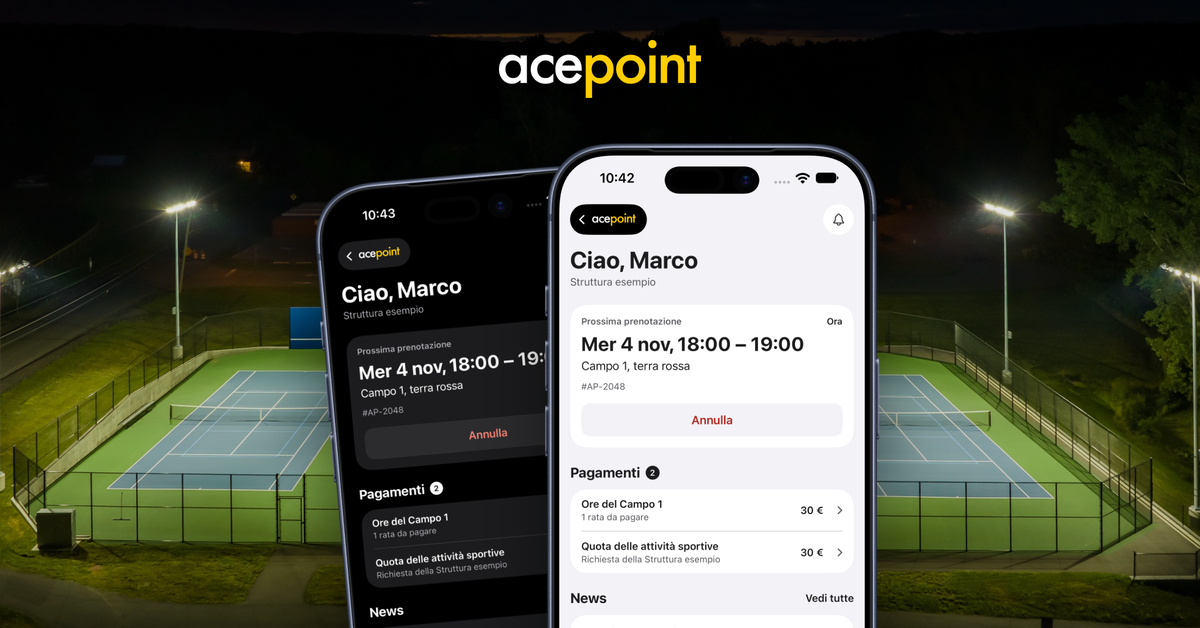












Every club has its own character, and now so does the app its players use to book a court. With the latest acepoint update, on the App Store and Google Play, the club chooses how the time grid looks, and players find it that way as soon as they update the app.
A livelier grid
The club picks the slot colours from the classic acepoint colours, four livelier variants with the brand yellow, six sports palettes and four palettes to build. Free slots stand out and the one you pick stays highlighted.
In your club’s colours
With the club’s colours, the selected time, court, day and the button to continue take the main colour of the club’s theme, as long as it stays easy to read. Otherwise they keep the acepoint yellow.
Brighter, with a white background
If the club prefers, in light appearance the app goes from grey to white, and cards get a thin border to stand out from the page. Nothing changes in dark appearance.
For club managers
The choices are made in the club panel, with a preview of the booking screen on iPhone and Android, in light and dark, before saving. The slot colours also apply straight away to the booking grid on the club website, and if nothing is chosen the website and the apps stay as they are.
The feature is included in every acepoint plan, like the app for iPhone and Android.
If you play, update acepoint from the App Store or Google Play and book your next match. If you run a club, you can try acepoint free for 14 days on acepoint.it.