
















Bookings, lessons and tournaments in members' calendars
With acepoint, members subscribe their own calendar and find bookings, lessons, tournaments and matches always up to date on Apple Calendar, Google Calendar or the app, with no effort. One personal link, a live subscription.
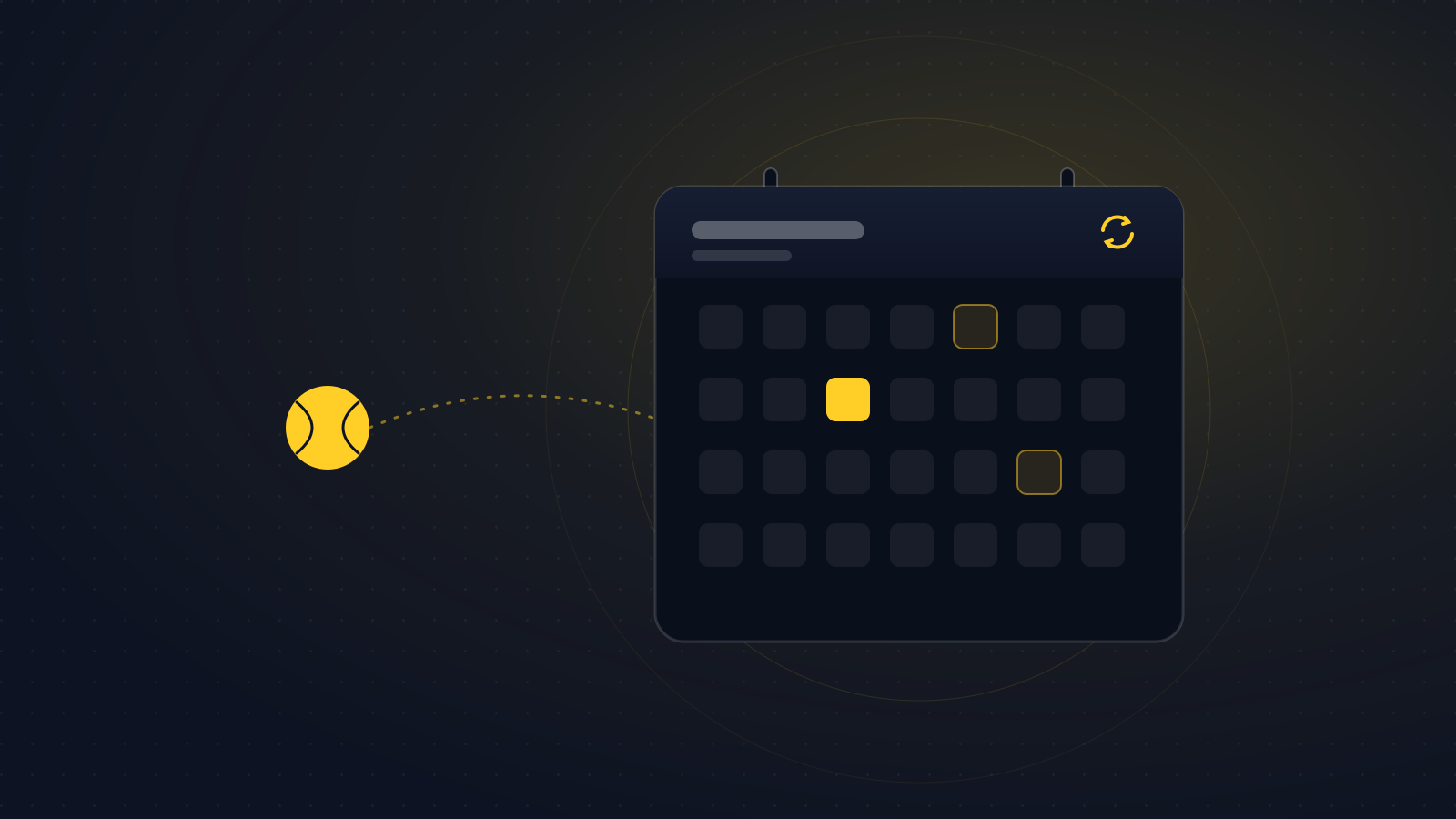
With acepoint, members find their club activities right in their own calendar. Every member can subscribe the calendar they already use, on their phone or computer, and see bookings, lessons, tournaments and matches always up to date, with no effort.
One link, always in sync
From their profile the member generates a personal link and subscribes it in the calendar they prefer: Apple Calendar, Google Calendar or their phone's app. It is not a one-off export but a subscription: when a booking changes, a lesson is rescheduled or a tournament is added, the calendar updates by itself.
What ends up in the calendar
The member's own club activities appear in their calendar:
- Court bookings, with a reminder one hour before.
- Course lessons they are enrolled in.
- Tournaments they take part in.
- Matches on the schedule.
Private and under control
The link is personal and secret, and shows only that member's activities. If needed, the member can regenerate it at any time: the previous link stops working immediately.
Calendar sync is available on the iPhone and iPad app and on the club site. You can download the app from the App Store or explore the platform at acepoint.it.
Related articles
 Featured
Product updates
Featured
Product updates
mnemia
mnemia is available in the European Union
Find your belongings and keep receipts, manuals and warranties close at hand, with mnemia on iPhone, iPad and Mac, free for up to 50 items.
Read the article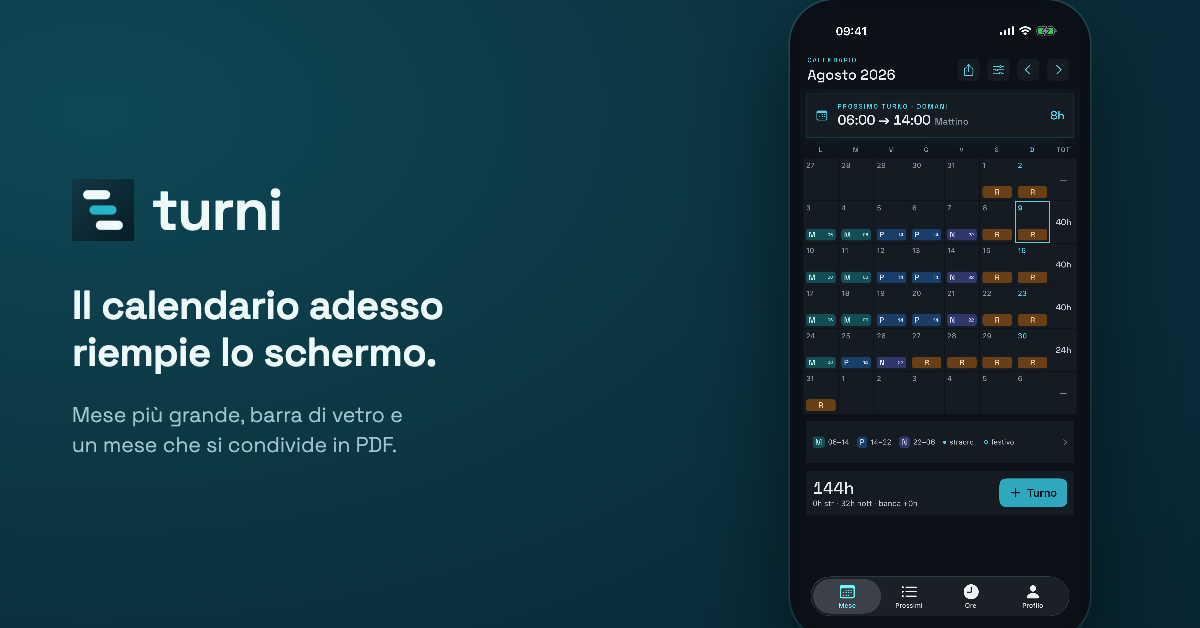 Product updates
turni
The turni calendar fills the screen
The person who asked for the swipe wrote again, with a screenshot and two ideas. What came out of it was a wider pass over the interface than we expected.
Read the article Featured
Product updates
Featured
Product updates
acepoint
Court lights that switch on by themselves
With the devices installed at the club, acepoint switches the floodlights on when the sun goes down and off when the booking ends. Surcharges for lights and heating are already available to every club and, once set, are added to the price automatically.
Read the article