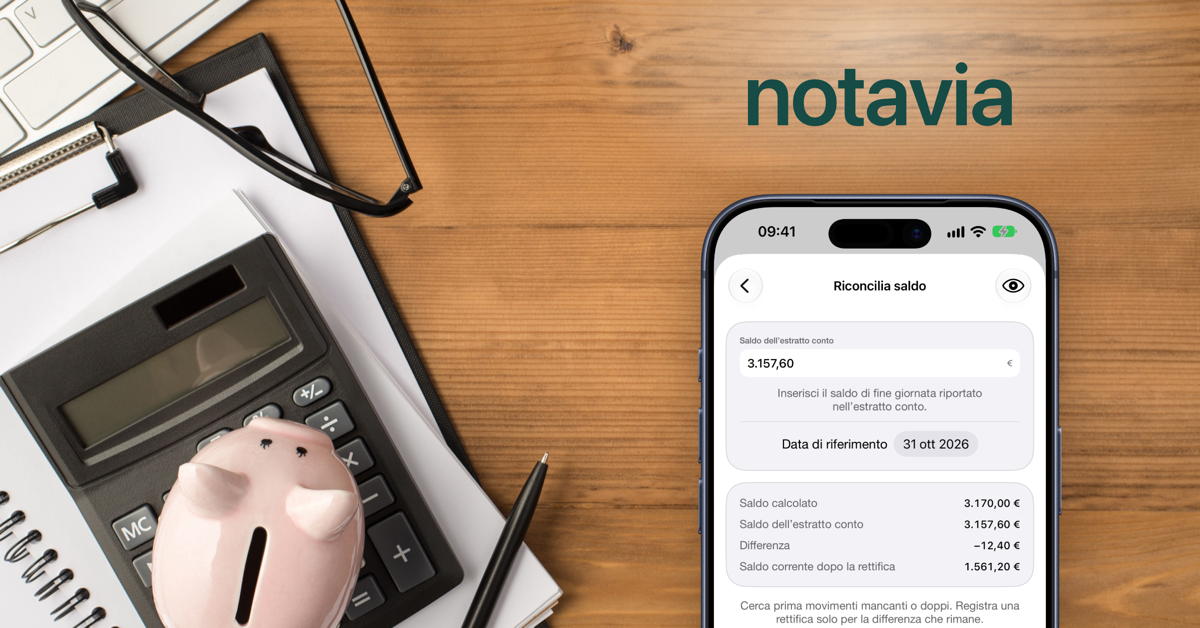












Have you ever opened your money app with someone next to you and wished you could hide the numbers? With notavia it now takes a single tap. And that is just one of the new things that arrived in recent months.
Your balances, for your eyes only
A tap on the eye icon hides account balances, your net worth and how much you have left to spend, and another tap brings them back. If you prefer, they can stay hidden every time you open the app.
Clearer on every screen
The overview shows how much you can still spend and explains in words how it gets to that figure. Quick actions let you record income and expenses, scan a receipt or move money between your accounts.
On iPad and iPhone Duo lists and details sit side by side. With iPhone Duo open like a book, the receipt photo sits next to the products that were read, and with the phone resting on a table the amount you have available stays in view.
Receipts in fewer steps
Receipts scan in fewer steps and are read more accurately. On compatible devices Apple Intelligence helps read them right on the device.
You can correct, add or remove products even after saving, and quantity and weight help you compare prices over time. You can also import PDFs and images.
Widgets and shortcuts at hand
Widgets show your upcoming due dates and how long is left on each, and a tap opens exactly the one you need or starts a scan.
Scan, new transaction and new due date are also available in Control Center, on the Lock Screen and on the Action button of iPhones that have it, and on the Mac in the menu bar. In CarPlay and StandBy your upcoming due dates stay in view.
Home and business, each in its place
The all accounts view brings together the balance, income and expenses of every account in a profile. A personal or family profile stays separate from a business one, where you choose standard VAT handling or the flat-rate scheme.
A loan’s card tells you how much you received, how much you will pay back and how much the interest weighs. With notavia Pro you manage more profiles and export the transaction list as CSV or PDF, with the filters you chose.
Download notavia from the App Store for iPhone and iPad and from the Mac App Store for the Mac. The free version includes one profile, and when you need more there is notavia Pro.