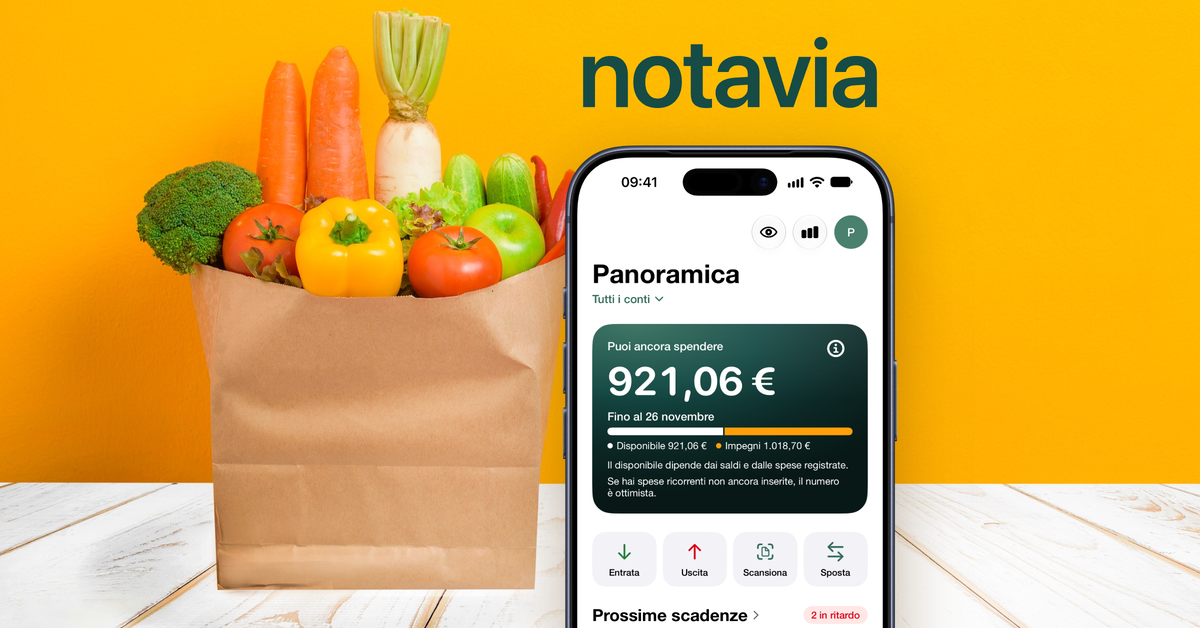












Did you start using notavia halfway through the month, or do you want to follow an account you have had for years starting today? Now you can tell notavia how much was in the account on a specific day, and the balance starts from there.
The opening balance, on the right date
When you add an account you enter its opening balance and the day it refers to. From that date on, income and expenses add up to that balance.
Transactions recorded before that day stay available to look at, but they do not change the balance.
Corrections without surprises
If the opening balance needs correcting, before saving you see the current balance, the one you will have after the correction and how many transactions fall before and after the chosen date.
You decide whether to keep the correction in the opening balance history, so you can always find the previous value.
Checking against your bank statement
When your statement arrives, enter the end of day balance you read on it, and notavia places it next to the balance it calculated.
If the two balances match, it tells you right away. If there is a difference, it suggests looking for missing or duplicate transactions first, and whatever remains you record as an adjustment.
More reliable on iPhone, iPad and Mac
iCloud sync across your devices is more reliable, and transactions, due dates and imports are handled better.
Download notavia from the App Store for iPhone and iPad and from the Mac App Store for the Mac. The free version includes one profile, and when you need more there is notavia Pro.