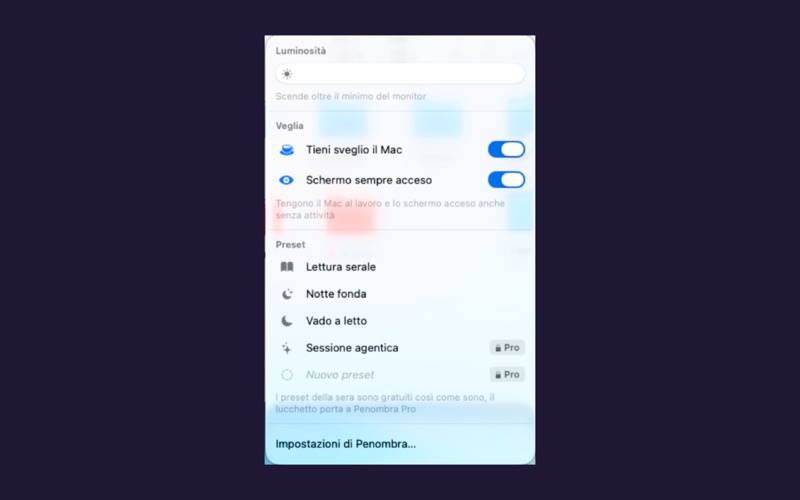












Downloading a large file or waiting for an export to finish, and your Mac is about to fall asleep at the worst moment? With penombra you keep it awake for as long as you need, right from the menu bar.
Your Mac awake for as long as you like
Choose 15 or 30 minutes, one hour or two. The panel shows how much time is left and you can stop the timer whenever you like.
The right light, display by display
Each display has its own slider, which also works from the keyboard. With “Restore brightness” you remove the dimming from every display at once.
What is free and what is Pro
The wake timer and the brightness controls are free. With penombra Pro you create your own presets and automate brightness and wakefulness with schedules, apps and Shortcuts.
Download penombra from the Mac App Store and try the wake timer today.