
















Swipe through the month in turni
Drag a finger across the calendar to move from one month to the next, and the same gesture works in the hours summary. The suggestion came from the first App Store review.

The turni calendar now swipes. Drag left to move to the next month, drag right to go back, and the same gesture works in the hours summary too.
The arrows at the top stay where they are, for anyone who prefers tapping.
The gesture stops when it should. While you hold a day to pick more than one, the swipe stays off, because carrying a selection you cannot see into another month is only confusing.
Where it came from
The suggestion came from the first App Store review, which asked for exactly this.
What else changes
On iPhone and iPad the multiple selection now highlights the chosen days, which used to be counted in the bar without being marked on the calendar, and longer month names are no longer shortened in the title.
On Android the day detail has been rebuilt. It used to show one card and a button, with two thirds of the screen empty below. It now opens with the shift type and the hours in large type, lists what that shift carries, night hours worked out from your own contract window, overtime, allowances, time bank, department and note, and closes with the actions gathered at the bottom.
On Android the product name is now lowercase, inside the app and on the store listing.
Related articles
 Featured
Product updates
Featured
Product updates
acepoint
acepoint has a new look and opens to every club
A new brand, a new website and the end of Early Access. From today any tennis or padel club or centre can activate acepoint on its own, with a 14-day free trial.
Read the article Featured
Product updates
Featured
Product updates
doculea
Doculea has its own website, doculea.it
The new website presents doculea, the app that reads PDFs on the Mac and helps put them in order, with features, automation, plans and privacy. The app is in development for the Mac App Store.
Read the article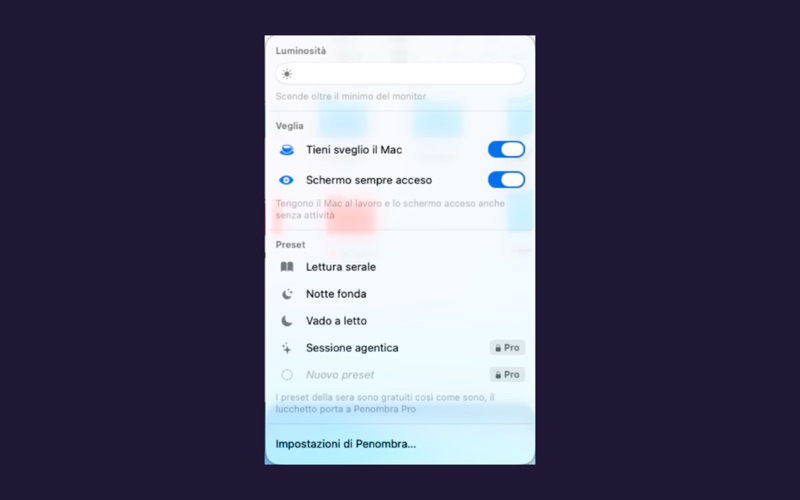 Featured
Product updates
Featured
Product updates
Penombra
Penombra is available on the Mac App Store
Penombra dims the Mac screen below the hardware minimum and keeps it awake when needed, with presets, automations and shortcuts.
Read the article