











Before heading out for your shift you want to know if you need an umbrella. With turni Premium you find out without switching apps, because the weather sits right next to your shifts.
The weather, day by day
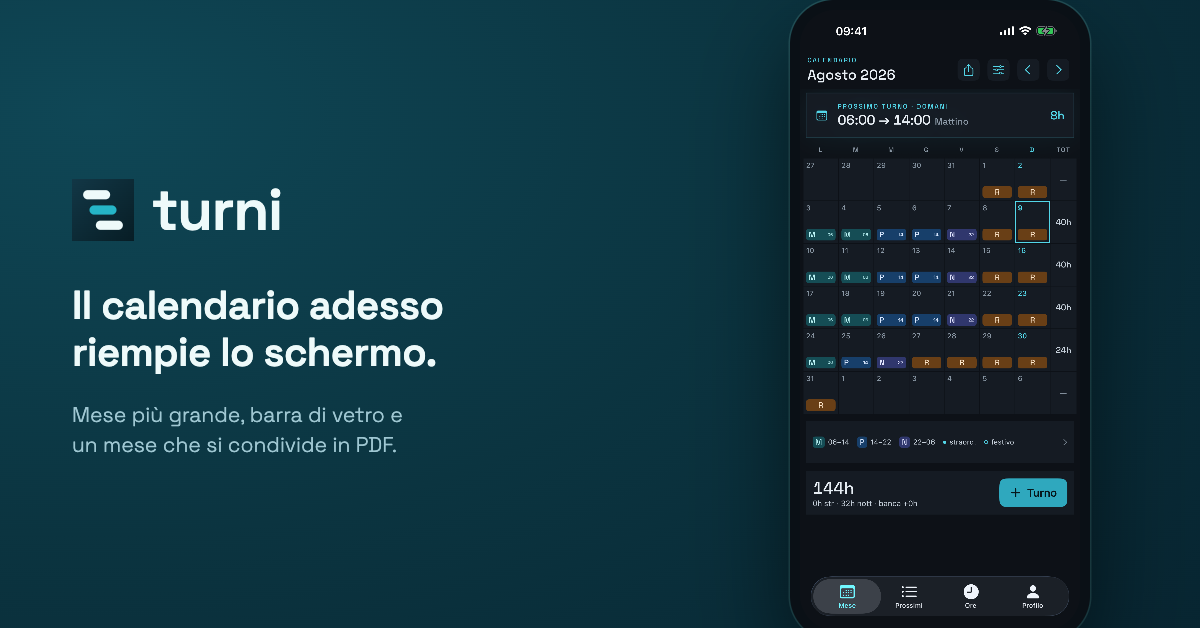
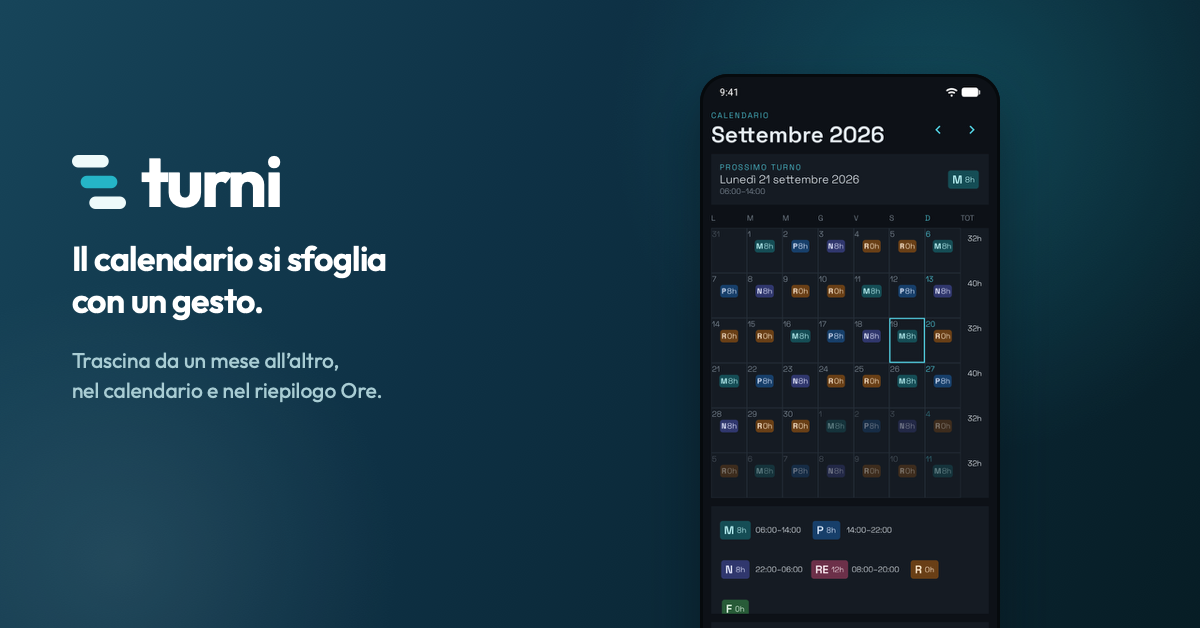
The month calendar shows today’s weather and the next nine days. When you open a shift you see the expected temperature at the time you start.
You can pick a city or your approximate location, and forecasts come from Apple Weather.
Tino dresses for the weather
Tino is the turni Premium character whose face changes with your shift. He keeps you company in the day detail, in your upcoming shifts, in the widgets and at the top of the month calendar.
Now he also dresses for the weather, with an umbrella when it rains, a scarf when it is cold and sunglasses when the sun is out.
A ringtone for every shift
With turni Premium every shift type can wake you with its own sound, chosen from eight ringtones you can listen to before deciding. So you know which shift is waiting for you from the very first ring.
The alarm for each shift type, with the lead time you choose, stays free.
On the Mac too
On the Mac turni shows the month calendar, your upcoming shifts and hour summaries. With Premium you can also plan, edit shifts and allowances, print the month and export to PDF and CSV.
What is free and what is Premium
The shift calendar, hour counts, the alarm for each shift type and the next shift widget are free.
With turni Premium you also get the weather, Tino, ringtones, app colours and theme, your shift rhythm with nights in a row and rest hours, the week, month and hours widgets and exports.
Download turni from the App Store and start with the free calendar. You can add Premium whenever you like.