
















For Mac
Your documents, right where they belong.
Doculea reads documents on your Mac and helps put them in order, with suggestions to review or automatic rules you choose.


- Processing on your Mac
- No automatic deletion
- Documents stay in your folders
macOS 26 or later and a Mac with Apple silicon.
Features
doculea suggests the order. You make the decisions.
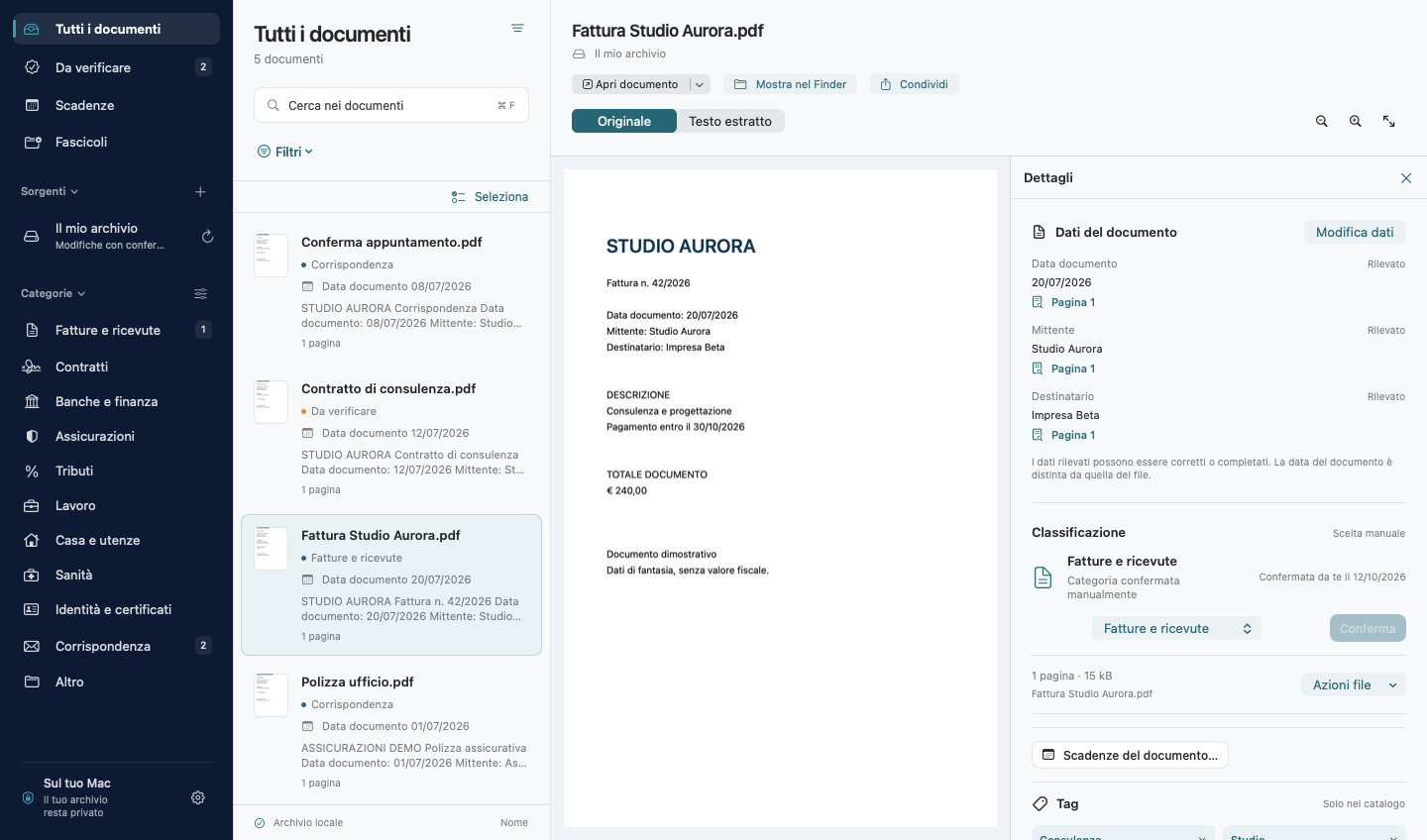
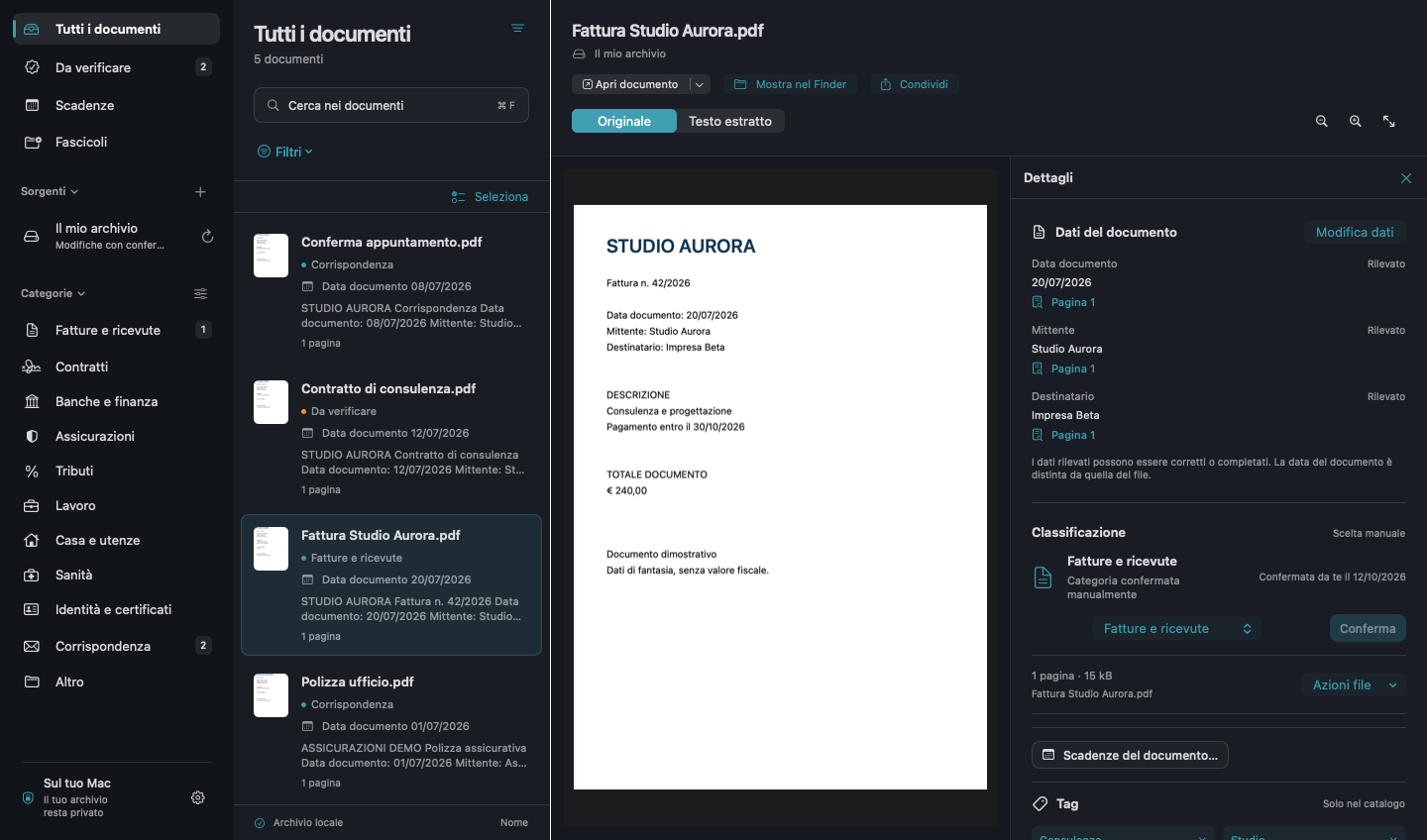
Complete or correct dates, senders and recipients beside the original, with a sidebar that adapts to your window.
Reads scanned documents too
Text recognition happens on your Mac. Category, name, date, sender, recipient and tags become suggestions to review, when detected.
Respects your folders
With a paid plan, connect local folders, external drives and NAS or server volumes mounted in macOS. Documents stay in the locations you choose.
Deletion is always deliberate
Deleting documents, drafts or scanned pages requires typing ELIMINA after reviewing what will be removed. Original documents go to the Trash where supported.
A catalogue that fits your work
Personalise categories and icons. New categories are suggested, never created automatically. Find documents using tags and search.
Compare duplicates and versions
Search by name or path, distinguish identical copies from similar documents and compare previews side by side. Decide whether to link them as versions or keep them separate.
Deadlines and dossiers
Collect related documents in dossiers and track deadlines with optional reminders or calendar export.
Automation
Turn order into a rule. On your terms.
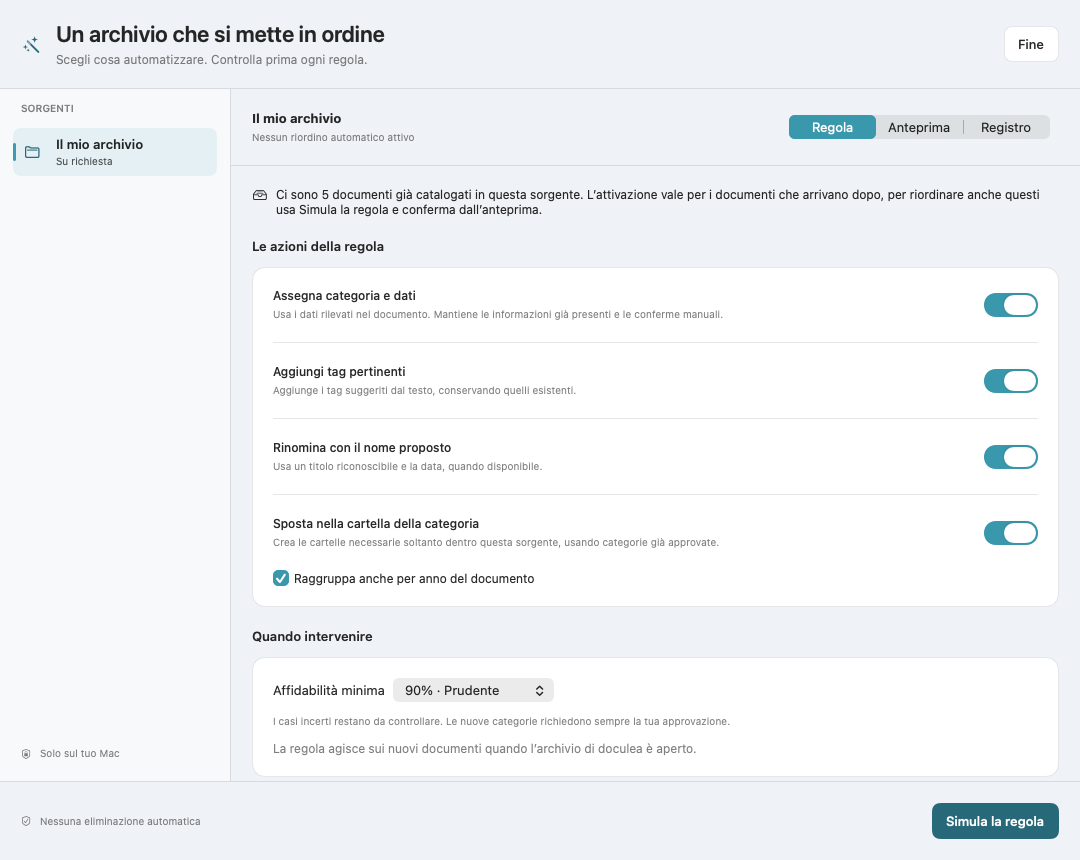
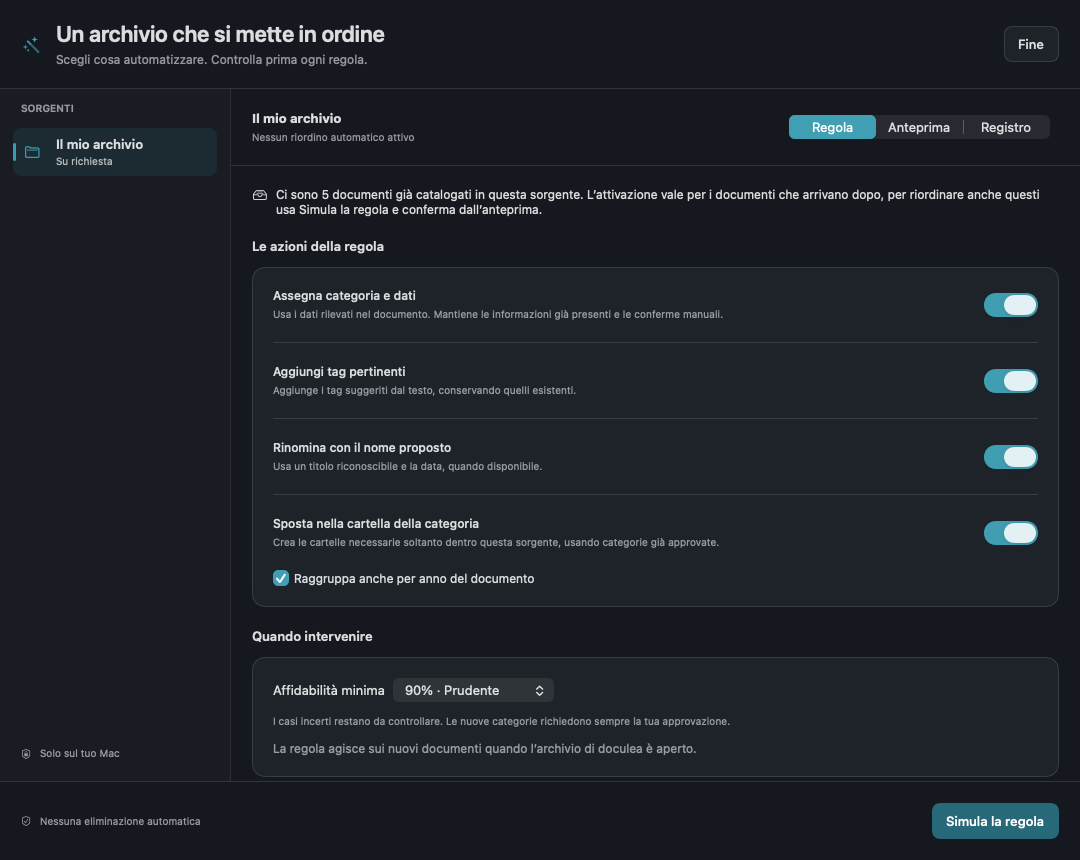
Choose what to automate for each connected folder, from classification to renaming and filing by category and year.
-
Choose the actions
Enable category and data, tags, suggested names and destination folders independently.
-
Simulate the rule
Review the proposed changes and excluded cases without changing any files.
-
Activate for new documents
The rule handles new documents while the library window is open and the source is available.
Already have a library to organise?
Existing files are not treated as new. To organise them, prepare a preview and confirm the batch.
No automatic deletion
Conflicts and uncertain cases stay under review. New categories require approval and manual corrections are preserved.
Pause rules and review outcomes in the activity log. Existing files are never overwritten.
Capture
From paper to your library, in the same app.
Capture documents with a scanner compatible with Image Capture, or use iPhone and iPad through the Continuity features in macOS.
-
Capture
Scan one or more pages, or add a document you already have.
-
Review
Check the preview and adjust the suggested name, category, date and tags.
-
Confirm
Choose a name and location, then confirm saving the scan.
Your documents do not become input for a cloud service.
Read the doculea privacy policyReading, OCR and classification happen on your Mac. doculea does not send documents, extracted text or catalogue data to Systema360 servers or external AI services.
On supported devices with Apple Intelligence enabled and available, doculea can use Apple’s on-device model. Otherwise it uses local rules. Private Cloud Compute is not used.
Local processing does not mean no connections. Accessing a NAS uses your network. Purchases, updates and Apple system services follow their respective terms.
Plans
Choose how you use doculea.
Start free with up to 100 individual documents.
For folders, automation and unlimited documents, choose the annual plan.
Annual
€29.99per year
14 days free for eligible accounts, then €29.99 per year.
All features and new versions included while your subscription is active.
Renews automatically unless cancelled at least 24 hours before expiry. Manage it in your Apple Account subscription settings.
Prices for the Italian storefront, including VAT. Purchases are made inside the app. The price and terms displayed by Apple before confirmation will apply.
Without an active plan, you can still view previously catalogued documents and export the catalogue. Your original documents remain yours.
Questions
Before you start.
Does doculea change files without asking?
Automation is optional and off by default. After simulation, you can authorise a rule for new documents in a specific source. Existing files require a preview and batch confirmation. Deletion is never automatic.
Can I remove a document without deleting the file?
Yes. Removing it from the catalogue leaves the file in place. Deleting the file is a separate action that requires typing ELIMINA and uses the Trash where available, with no permanent deletion fallback.
Do I need to upload documents to a cloud?
No. Processing happens on your Mac. If you select a folder synced by another service or a remote NAS, that service handles transfers according to your settings, not doculea.
Does it work without Apple Intelligence?
Yes. OCR and local rules remain available. Apple model features require a supported Mac, Apple Intelligence enabled and the model available.
Are suggestions always correct?
No. OCR and classification can make mistakes, especially with unclear scans. Always review suggested data. The document date is treated separately from the file date.
Which scanners and iPhones can I use?
Scanners must support macOS Image Capture and have any required drivers. Scanning from iPhone or iPad requires Apple’s Continuity requirements and correctly configured devices.
Is doculea a legally compliant preservation service?
No. It is a document organisation tool, not a certified preservation, digital signature, tax or legal advice service.
Can I find documents with Spotlight?
Yes, if you enable integration in settings. The local index includes names, types, categories, tags, dates and senders, but not extracted document text.
Does the backup include original files?
No. The encrypted backup saves the catalogue and scan drafts in your chosen folder. Original documents already filed require a separate backup. You can also enable automatic catalogue backups.
Where do I download doculea?
On the Mac App Store, with version 1.1 available for Macs with Apple silicon and macOS 26 or later.